This post illustrates step by step how to upgrade Oracle 18c GI to 19c GI.
Subscribe to get access
Read more of this content when you subscribe today.

This post illustrates step by step how to upgrade Oracle 18c GI to 19c GI.
Read more of this content when you subscribe today.
Read more of this content when you subscribe today.
Due to the network issue, when upgrading 12.1.0.2 gird infrastructure to 12.2.0.1, “rootupgrade.sh’ failed, and also ‘gridSetup.sh’ OUI disappeared.
Luckily we can continue to the upgrading process as following.
1) Rerun ‘rootupgrade.sh’ on racnode1.
2) then run ‘rootupgrade.sh’ on racnode2.
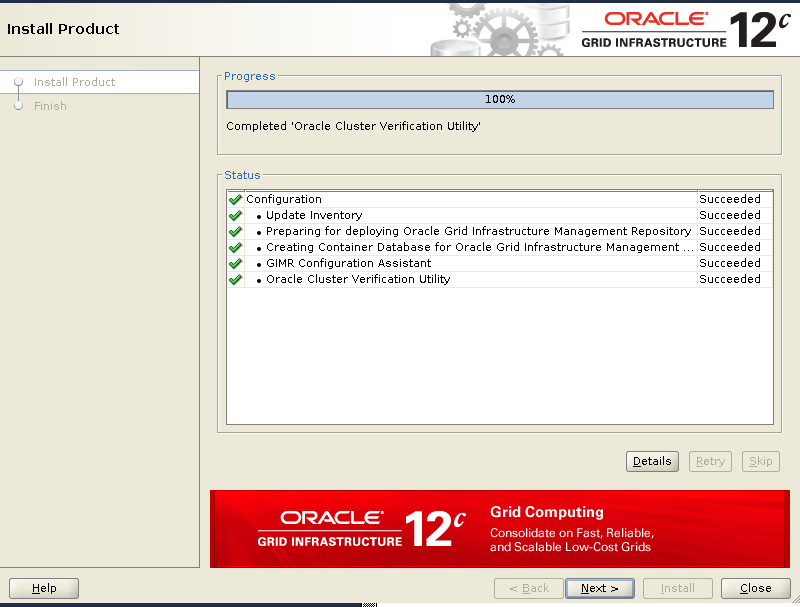
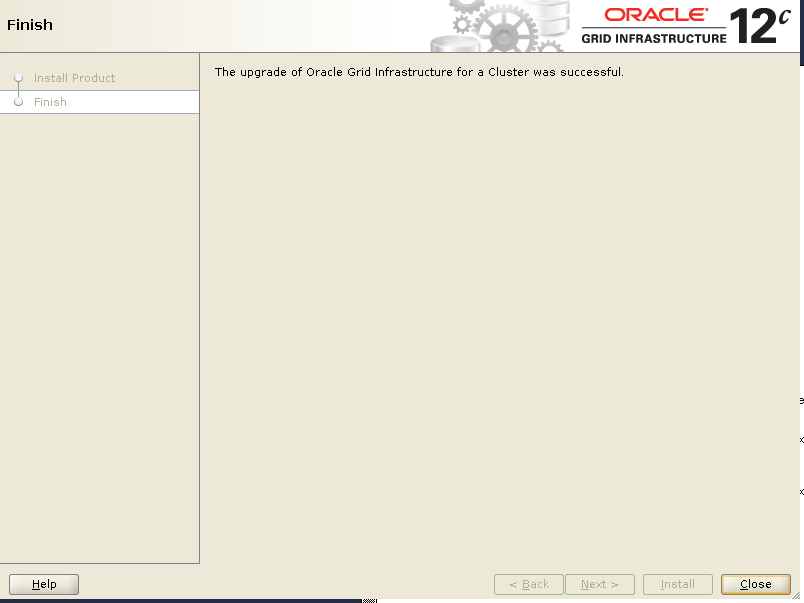
3) Run ‘gridSetup.sh’ OUI from VNC viewer X window:
[grid@racnode1 ~]$ /u01/app/12.2.0.1/grid/gridSetup.sh -skipPrereqs
         -executeConfigTools -responseFile /home/grid/grid_12102_12201.rsp
Launching Oracle Grid Infrastructure Setup Wizard...

You can find the logs of this session at:
/u01/app/oraInventory/logs/GridSetupActions2020-01-14_00-37-21AM
The response file was manually saved from previous ‘gridSetup.sh’, which failed due to network issue.
Either you can find the same response file from directory ‘/u01/app/12.2.0.1/grid/install/response’.
Make sure to use the latest right response file.
[grid@racnode1 install]$ ls -ltr /home/grid/grid_12102_12201.rsp
-rw-r--r-- 1 grid oinstall 35310 Jan13 22:01/home/grid/grid_12102_12201.rsp

[grid@racnode1 install]$ ls -ltr /u01/app/12.2.0.1/grid/install/response
total 112
-rw-r----- 1 grid oinstall 1541 May21 2016 sample.ccf
-rw-r----- 1 grid oinstall 35087 Jan27 2017 gridsetup.rsp
-rw-r--r-- 1 grid oinstall 34357 Jan27 2017 grid_2017-01-26_04-10-28PM.rsp
-rw-r--r-- 1 grid oinstall 35310 Jan13 22:04 grid_2020-01-13_09-59-39PM.rsp

 Make DBA Life Easy