How to Apply Grid Infrastructure RU/RUR Patches Before Upgrading GI from 12.2.0.1 to 18c

While upgrading GI from 12.2.0.1 to 18c, in order to minimize the downtime and reduce the impact on PROD environment,  Release Update(RU) or Release Update Reversion(RUR) patches can be applied onto new 18c GI image before setting up 18c GI.

Please note this way is different from what we normally do to apply RU/RUR patches according to patch README.html instruction.

  • RU/RUR can only be applied before 18c GI is configured (in other word, before root.sh or rootupgrade.sh is executed).
  • In this upgrade case, RU/RUR patches can only be applied onto the new 18c GI home,  patches are not to be applied to the existing (current) 12.2.0.1 GI home.
  • “opatchauto” and “opatch apply” must NOT be used as the new 18c GI home hasn’t been configured yet.

Here is the example of applying both RU/RUR patches sequentially against new 18c GI before starting to upgrade GI 12.2.0.1 to 18c.

Those following two patches will be applied on 18c GI gold imagine:

  • Patch 28828717 – GI Release Update 18.5.0.0.190115
  • Patch 29231062 – GI Release Update Revision 18.5.1.0.190416

Subscribe to get access

Read more of this content when you subscribe today.

Upgrade Oracle Grid Infrastructure from 12.2.0.1 to 18c

Contents

  • Pre-requisite checks
    • User ID for both oracle and grid user
    • Oracle ASM LIB configurations
    • Oracle Grid Infrastructure and Oracle RAC Packages
    • Stop Transparent HugePages
    • install cvuqdisk
    • grid/oracle profiles
    • Check and setup resource Limits
    • Run ORAchk utility to have pre-upgrading checks
    • run the command runcluvfy.sh stage -pre crsinst -upgrade to check the readiness of your Oracle Clusterware installation for upgrades
    • Download and apply the latest opatch utility onto GI home and DB homes
  • Upgrading Oracle Grid Infrastructure
  • Post Oracle Grid Infrastructure Upgrading
    • Check SCAN configuration
    • Post Upgrading Cluster Verification
    • Run Orachk -u -o post
    • Check all cluster resource status

Subscribe to get access

Read more of this content when you subscribe today.

Restarting Oracle Clusterware GridSetup.sh OUI after rootupgrade.sh failed due to Network Issue

Due to the network issue, when upgrading 12.1.0.2 gird infrastructure to 12.2.0.1,  “rootupgrade.sh’ failed, and also ‘gridSetup.sh’ OUI disappeared.

Luckily we can continue to the upgrading process as following.

1) Rerun ‘rootupgrade.sh’ on racnode1.

2) then run ‘rootupgrade.sh’ on racnode2.

3) Run ‘gridSetup.sh’ OUI from VNC viewer X window:

[grid@racnode1 ~]$ /u01/app/12.2.0.1/grid/gridSetup.sh -skipPrereqs 
         -executeConfigTools -responseFile /home/grid/grid_12102_12201.rsp
Launching Oracle Grid Infrastructure Setup Wizard...

You can find the logs of this session at:
/u01/app/oraInventory/logs/GridSetupActions2020-01-14_00-37-21AM

The response file was manually saved from previous ‘gridSetup.sh’, which failed due to network issue.

Either you can find the same response file from directory ‘/u01/app/12.2.0.1/grid/install/response’.

Make sure to use the latest right response file.

[grid@racnode1 install]$ ls -ltr /home/grid/grid_12102_12201.rsp
-rw-r--r-- 1 grid oinstall 35310 Jan13 22:01/home/grid/grid_12102_12201.rsp

[grid@racnode1 install]$ ls -ltr /u01/app/12.2.0.1/grid/install/response
total 112
-rw-r----- 1 grid oinstall 1541 May21 2016 sample.ccf
-rw-r----- 1 grid oinstall 35087 Jan27 2017 gridsetup.rsp
-rw-r--r-- 1 grid oinstall 34357 Jan27 2017 grid_2017-01-26_04-10-28PM.rsp
-rw-r--r-- 1 grid oinstall 35310 Jan13 22:04 grid_2020-01-13_09-59-39PM.rsp
Start gridSetup.sh
Start gridSetup.sh
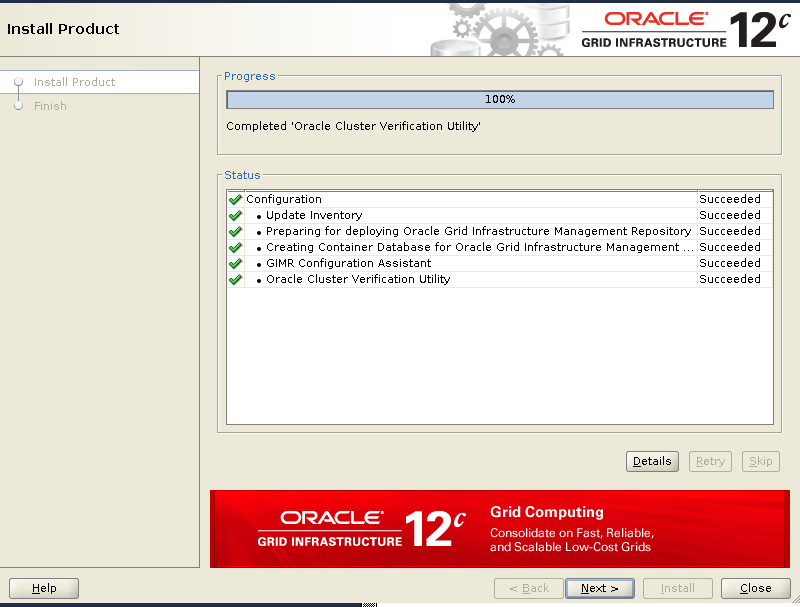
gridSetup.sh Upgrade GI
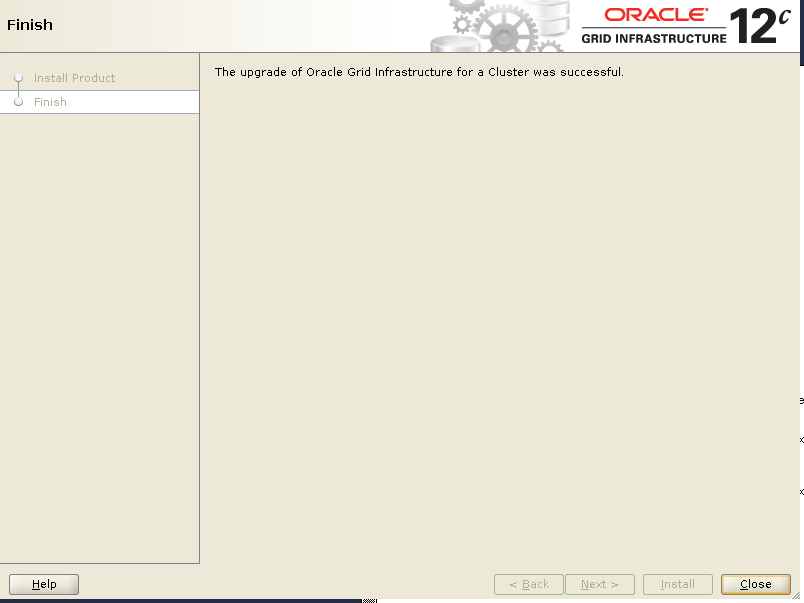
gridSetup.sh Finish
gridSetup.sh Finish

How to Apply Grid Infrastructure Patches Before Upgrading or Installing Cluster

While upgrading GI from 12.1.0.2 to GI 12.2.0.1, in order to minimize the downtime and reduce the impact on PROD environment, PSU or one off patches can be applied onto 12.2.0.1 image before setting up 12.2.0.1 GI.

Here is the example of applying GI JAN 2018 Release Update ( RU) 12.2.0.1.180116.

1)As the owner of GI HOME, unzip the gold image under new 12.2.0.1 GI HOME.

$cd  /u00/app/12.2.0.1 
$unzip <SW-LOCATION>/linuxx64_12201_grid_home.zip -d ./

2)As the owner of GI HOME, unzip GI JAN 2018 RU patch.

$cd  /tmp
$unzip <SW-LOCATION>/p27100009_122010_GI_RU_180116_Linux-x86-64.zip

3) Apply the patch by using option “-applyPSU”, and confirm the successful patching.

$cd /u01/app/12.2.0.1/grid
$ ./gridSetup.sh -silent -applyPSU /tmp/27100009/
Preparing the home to patch...
Applying the patch /tmp/27100009/...
Successfully applied the patch.
The log can be found at: /u01/app/oraInventory/logs/
GridSetupActions2018-02-01_03-05-11PM/installerPatchActions_2018-02-
01_03-05-11PM.log

Check the log to confirm the patches are applied successfully.

$cd /u01/app/12.2.0.1/grid/cfgtoollogs/opatch
$ grep -i "successfully applied" *
opatch2018-02-01_15-05-36PM_1.log:[Feb 1, 2018 3:05:41 PM] [INFO] Patch 27144050 successfully applied.
opatch2018-02-01_15-05-41PM_1.log:[Feb 1, 2018 3:06:33 PM] [INFO] Patch 27128906 successfully applied.
opatch2018-02-01_15-06-34PM_1.log:[Feb 1, 2018 3:07:20 PM] [INFO] Patch 27335416 successfully applied.
opatch2018-02-01_15-07-20PM_1.log:[Feb 1, 2018 3:07:49 PM] [INFO] Patch 27105253 successfully applied.
opatch2018-02-01_15-07-49PM_1.log:[Feb 1, 2018 3:07:54 PM] [INFO] Patch 26839277 successfully applied.

Or apply the patch one by one by using “-applyOneOffs” option:

$cd /u01/app/12.2.0.1/grid
$./gridSetup.sh -silent -applyOneOffs /tmp/27100009/27144050
$./gridSetup.sh -silent -applyOneOffs /tmp/27100009/27128906
$./gridSetup.sh -silent -applyOneOffs /tmp/27100009/27335416 
$./gridSetup.sh -silent -applyOneOffs /tmp/27100009/27105253 
$./gridSetup.sh -silent -applyOneOffs /tmp/27100009/26839277

4) After the GI upgraded , we can confirm the patches are applied and listed successfully:

$ opatch lspatches
26839277;DBWLM RELEASE UPDATE 12.2.0.1.0(ID:170913) (26839277)
27105253;Database Release Update : 12.2.0.1.180116 (27105253)
27335416;OCW JAN 2018 RELEASE UPDATE 12.2.0.1.180116 (27335416)
27128906;ACFS Release Update : 12.2.0.1.0 (27128906)
27144050;Tomcat Release Update 12.2.0.1.0(ID:171023.0830) (27144050)

OPatch succeeded.

Reference:

How to Apply a Grid Infrastructure Patch Before root script (root.sh or rootupgrade.sh) is Executed? (Doc ID 1410202.1)