
This post demonstrates how to configure database connection string for OMS to connect to repository database, which has a data guard standby database. The purpose is to make sure OEM is still functioning after database has been switched or failed over to data guard physical standby database.
Subscribe to get access
Read more of this content when you subscribe today.
Restart all OMS
[oracle@oemnode1 ~]$ emctl stop oms -all
[oracle@oemnode1 ~]$ emctl start oms
Switch Over Repository Database to Standby Database
DGMGRL> show configuration;

Configuration - dg_oemrep

Protection Mode: MaxPerformance
Members:
oemrep - Primary database
stboemrep - Physical standby database

Fast-Start Failover: DISABLED

Configuration Status:
SUCCESS (status updated 27 seconds ago)
DGMGRL> switchover to stboemrep;
Performing switchover NOW, please wait...
Operation requires a connection to database "stboemrep"
Connecting ...
Connected to "STBOEMREP"
Connected as SYSDBA.
New primary database "stboemrep" is opening...
Operation requires start up of instance "OEMREP" on database "oemrep"
Starting instance "OEMREP"...
Connected to an idle instance.
ORACLE instance started.
Database mounted.
Connected to "OEMREP"
Switchover succeeded, new primary is "stboemrep"
DGMGRL>
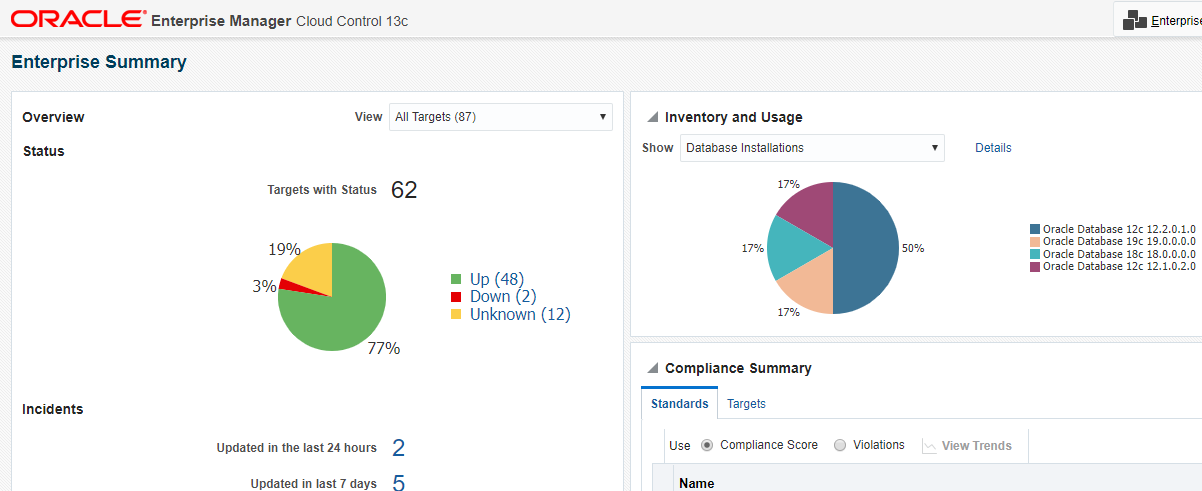
Check and Confirm OEM 13c is Still Working
 Make DBA Life Easy